



How to Make BDA Property Tax Payment Online?
You can make BDA property tax payment online by entering your Property ID, Site ID and owner's name on the official BDA property-tax portal. Before paying BDA property tax, it is important to understand what a BDA Khata is and how it relates to your property records. The portal then verifies the property details, shows the tax amount and takes you to the payment page.
Open the BDA Property Tax Payment Portal
The official BDA online tax-payment instructions direct property owners to:
BDA Property Tax Payment Portal
Keep your previous BDA tax-paid receipt ready before starting. The receipt contains the Property ID and Site ID needed to identify your property.
Enter Your Property Details
Enter these details on the BDA property-tax portal:
Property ID
Site ID
Owner's name
The BDA's payment instructions state that the Property ID is a 10-digit number shown on the previous tax-paid receipt. The Site ID is also shown on the same receipt.
Enter the owner's name exactly as it appears on the previous tax-paid receipt. These details need to match BDA records before you can proceed.
Verify Your Mobile Number and Email
After the property details are matched, the BDA portal asks you to enter your phone number and email ID. An OTP is then sent to the entered contact details.
Enter the OTP on the portal to view your property information. BDA's FAQ states that the mobile number can also be used for the next login.
Check the Tax Amount and Make the Payment
After successful verification, your property-tax details will be displayed.
Select Pay Now to view the tax amount and proceed with the payment. The BDA's online instructions list debit card, credit card and net banking as payment options.
Before completing the transaction, check that:
The property details are correct.
The tax amount displayed belongs to your property.
You have selected the correct payment method.
Once the payment is successful, keep the receipt generated by the portal.
If your property falls under BBMP or its applicable municipal records, the tax payment process may be different. Read BBMP Property Tax Payment to understand the payment process.
What Details Are Required for BDA Property Tax Payment?
BDA property tax payment requires the Property ID, Site ID and owner's name recorded against the property. You should have these details ready before opening the payment portal.
Detail | Where to find it |
|---|---|
Property ID | Previous BDA tax-paid receipt |
Site ID | Previous BDA tax-paid receipt |
Owner's name | Previous BDA tax-paid receipt |
Mobile number | Entered during OTP verification |
Email ID | Entered during OTP verification |
Before starting the payment, keep your previous BDA tax-paid receipt ready. If you also need to understand the property record maintained by BDA, you can read our guide on BDA Khata. The BDA's official payment instructions specifically ask users to enter the Property ID, Site ID and name as shown on the previous tax-paid receipt. They also state that the Property ID is a 10-digit number.
Why Your Details Must Match
The details entered during BDA property tax payment are checked against BDA's records. If the Property ID, Site ID or owner's name doesn't match, the system may not allow you to proceed.
For example, if the previous tax-paid receipt shows the owner's name as Ramesh Kumar, entering a different name may prevent the property record from being matched.
So, don't guess the Property ID or Site ID. Use the numbers printed on the previous BDA tax-paid receipt.
If you have an old receipt, keep it beside you while making the payment. This makes it easier to enter the correct property details.
What to Do When BDA Property Tax Payment Fails?
If your BDA property tax payment fails but the amount has already been debited from your bank account, don't make another payment immediately. The BDA's official FAQ specifically instructs users not to transact again after an amount has been debited.
If the Amount Was Not Debited
If the transaction failed and your bank account was not debited, check the payment status before trying again.
You can return to the BDA property-tax portal and attempt the payment again after confirming that the earlier transaction was unsuccessful.
Before making another payment, check:
Your bank account or card statement.
Whether you received a payment confirmation.
Whether a receipt was generated.
Whether the BDA portal still shows the tax amount as unpaid.
If the Amount Was Debited
If money was debited but the BDA payment did not go through, do not make another transaction immediately.
According to the BDA's official FAQ, the amount debited in this situation is credited back to the account within 4 business days. The FAQ also provides BDA contact numbers and email addresses for payment-related queries.
Keep your bank transaction details until the issue is resolved.
If the amount remains debited after the period stated by BDA, contact the BDA using the contact details provided on its official property-tax portal.
You may also need the property's identification details when making a tax payment. Read What Is BBMP Property ID? to understand what a property ID is and where it is used.
How Vault Helps with BDA Property Tax Payment
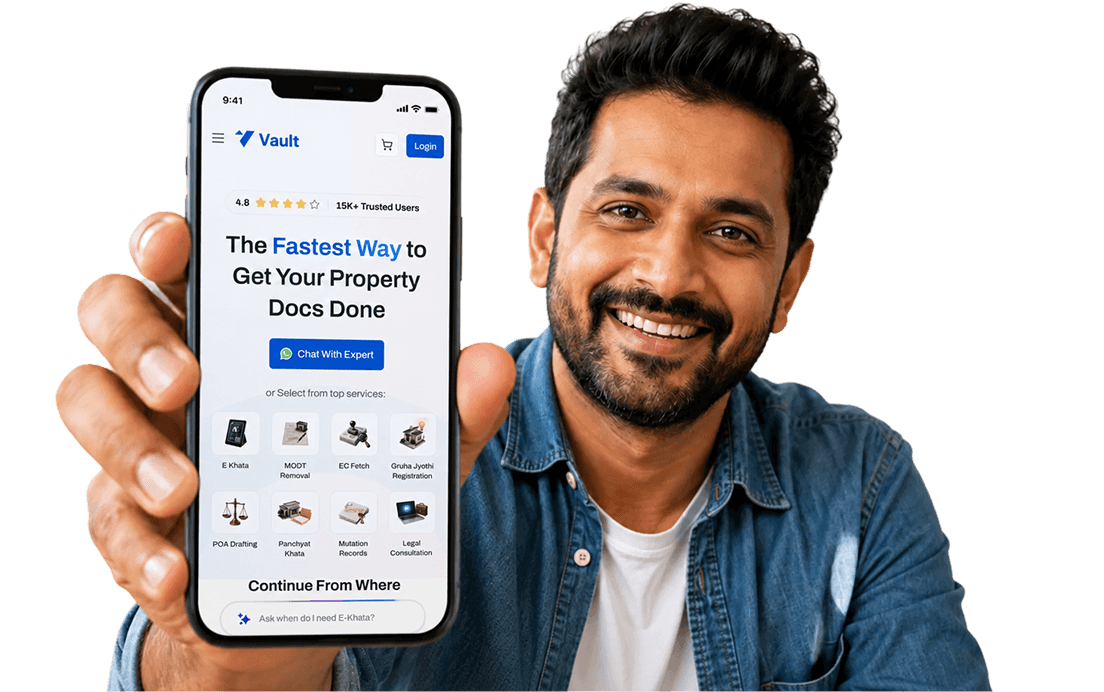
Vault Proptech provides assistance with BDA property tax payment for property owners who need help with the online payment process.
The service can be useful if you have the property documents but need support understanding the information required on the payment portal or completing the online payment process.
This can also help property owners who are living outside Bengaluru and need assistance with their BDA property-tax payment.
Having difficulty with your online BDA payment? Choose Property Tax Payment Assistance for help with the payment process.